

Results 11 to 19 of 19


-
07-04-2020, 02:01 PM #11





It's a cool feature for many of the reasons already outlined.
-
-
07-04-2020, 08:55 PM #12



I'm not a fan. I think it's because I do so much chatting on Facebook/messenger that it doesn't phase me. It's just a blue thing that distracts me LOL
-
07-05-2020, 10:20 AM #13





@doniceage how can i turn it off or hide it so i dont see it ?
Wayne Gretzky PC 1671 cards
Wade Boggs PC 411 cards
Tony Gwynn PC 195 cards
-
-
07-05-2020, 02:28 PM #14New Member Advisor




just my 2 cents
if and when this new item is up and running
there should be an
X on it some where.
for those users that does not like it..
-
07-05-2020, 06:15 PM #15Assistant General Manager



I will check and see. I am going to guess there might not be a way to close it or not see it unless your on Chrome like Krunchtyme.
DonCard Supplies
Toploaders 60 point $4, 100 point $7, 140 point $4, 190 point $3, 240 point $3
Soft Sleeves Standard $1 and Thick $1.50
TOP-LOADER 3X4,100 CT PENNY SLEEVES INCLUDED $11
-
-
07-06-2020, 08:07 PM #16


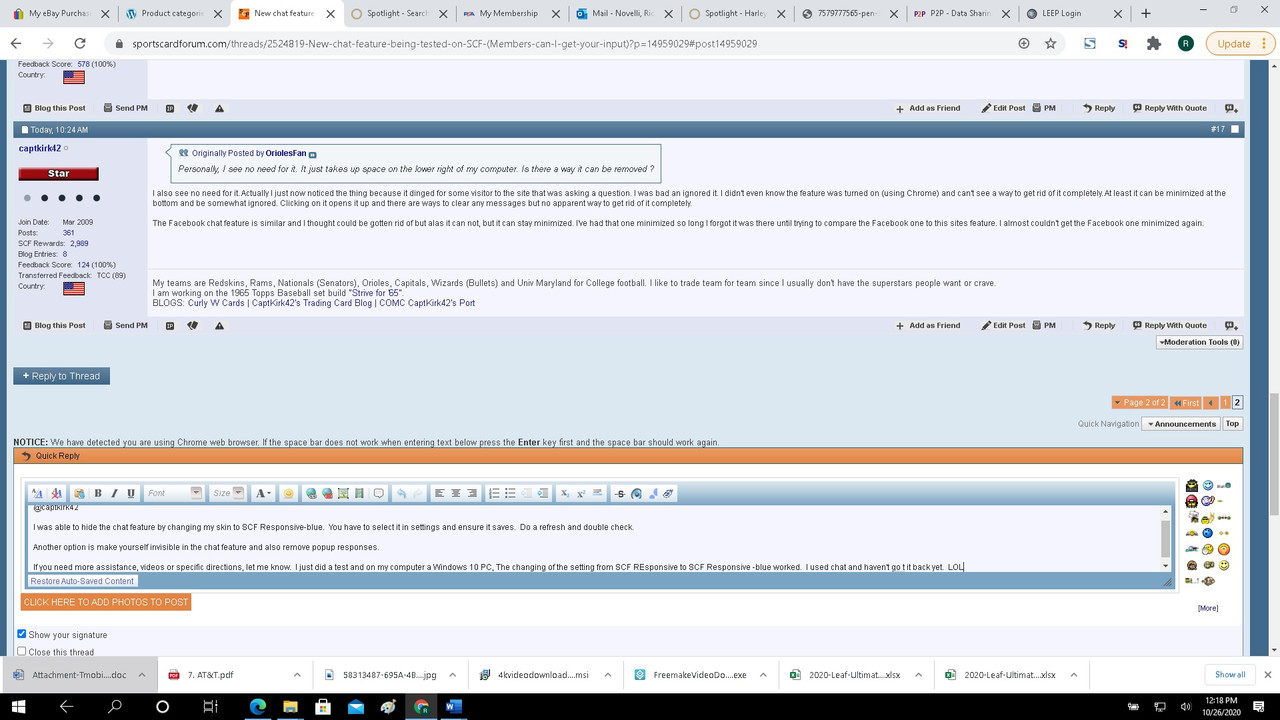
Personally, I see no need for it. It just takes up space on the lower right of my computer. Is there a way it can be removed ?
-
10-26-2020, 10:24 AM #17


I also see no need for it. Actually I just now noticed the thing because it dinged for some visitor to the site that was asking a question. I was bad an ignored it. I didn't even know the feature was turned on (using Chrome) and can't see a way to get rid of it completely. At least it can be minimized at the bottom and be somewhat ignored. Clicking on it opens it up and there are ways to clear any messages but no apparent way to get rid of it completely.
The Facebook chat feature is similar and I thought could be gotten rid of but alas it can not, but it can stay minimized. I've had that one minimized so long I forgot it was there until trying to compare the Facebook one to this sites feature. I almost couldn't get the Facebook one minimized again.
-
-
10-26-2020, 12:27 PM #18


@captkirk42
I was able to hide the chat feature by changing my skin to SCF Responsive-blue. You have to select it in settings and ensure it saves. Do a refresh and double check.
Another option is make yourself invisible in the chat feature and also remove popup responses.
Let me know if you need any additional assistance. I will try to make some videos of this in the near future.
If you need more assistance, videos or specific directions, let me know. I just did a test and on my computer a Windows 10 PC, The changing of the setting from SCF REsponsive to SCF Responsive -blue worked. I used chat and haven't go t it back yet. LOL
 Collecting/Wants: PSA Graded Dallas Cowboys (Just cracked the
1000,1100,1200.1300, 1400! card mark!)
Check out my Dallas Cowboy "Pop 1" PSA Showcase
Hidden Content
My Website: Hidden Content (needs to be updated)
-
10-27-2020, 10:34 AM #19
Ah yes it looks like Skin Responsive- Blue works. Will take a while to get used to the new skin style. The general layout looks like it is slightly larger and bulkier than what I had which was the plain Responsive skin.
-


 Reply With Quote
 Originally Posted by Iheartjacquie


