

Results 1 to 5 of 5


-
10-23-2025, 04:30 PM #1


Anyone else getting an error when uploading images
Anyone having trouble posting images. I keep getting an "unsupported system error". Tried both Safari and Chrome with same result.
-
-
10-23-2025, 05:25 PM #2


To the Inventory Manager? I just tried at 5:25 PM and it worked fine for me but I'm using Firefox
Selling all my cards here updated as of May------------> Hidden Content
Baseball Autograph and Game Used Only Trade Page: pwaldo.webs.com/
//s123.photobucket.com/albums/o299/pwaldo/
-
10-24-2025, 06:50 AM #3Assistant General Manager


How do you upload images. As there is two quick ways to do it. I try the insert image icon if the Click here to add photo button doesn't work for me. I know sometimes my format is not correct which is a issues or the file size from time to time over the years.
IMG_1119.jpeg
As I thought tried one and it did not work the other one came thru with fling colors.
Don
-
-
10-24-2025, 03:11 PM #4
Hi Don,
I was using the "Click Here to Add Photos to Post", the n dragging the file into the pop-up window. When that did not work, I tried the "Choose Images" and got the same response. This happened on both Safari and Chrome. Later I tried on my phone and it worked. Today it is working on my Mac. If it happens again, I will try to get a screen shot.
-
10-24-2025, 03:44 PM #5Assistant General Manager
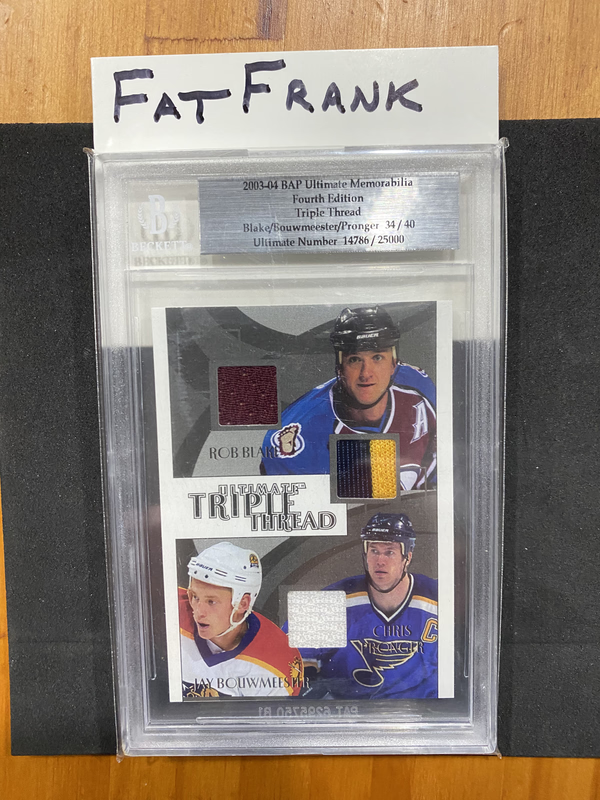
Love the old school Ultimate cards.
I know sometimes it will not work for one or the other but usually it works for me. If you can just give me the best information you can time, date, forum, etc. your posting and which option is not working. Will be more than happy to forward it to the Owner.
DON
-


 Reply With Quote
 Originally Posted by doniceage


